

Built for the remote
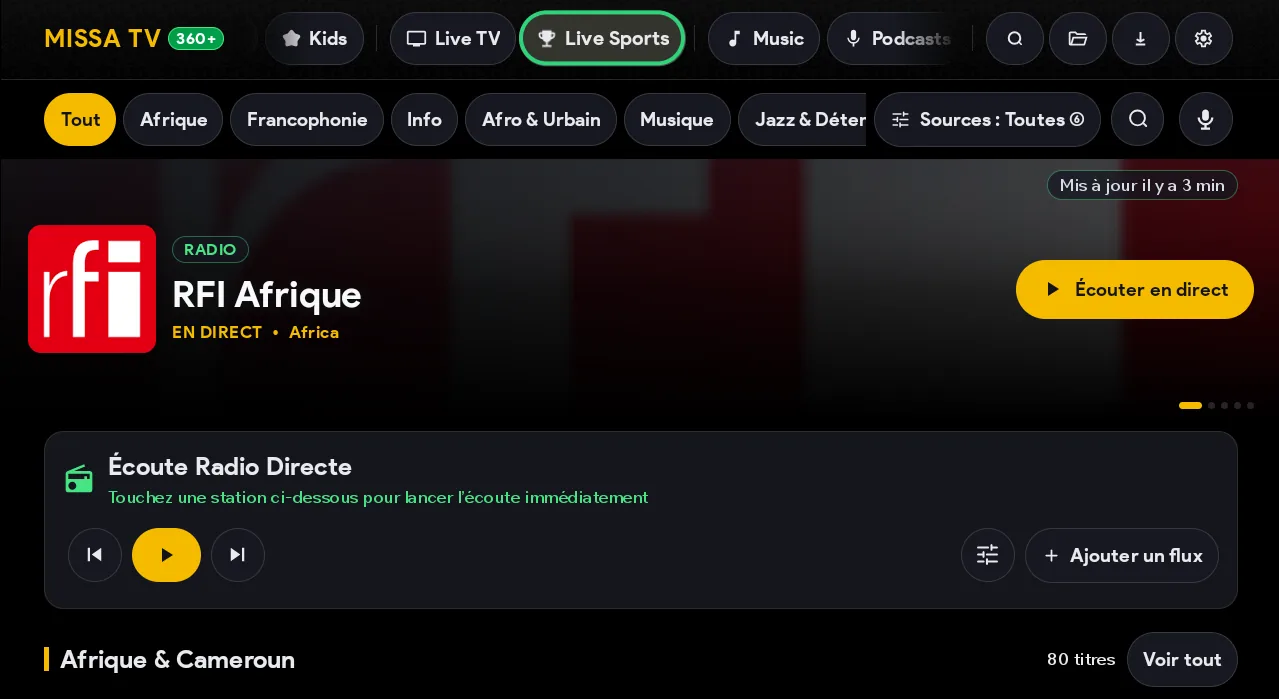
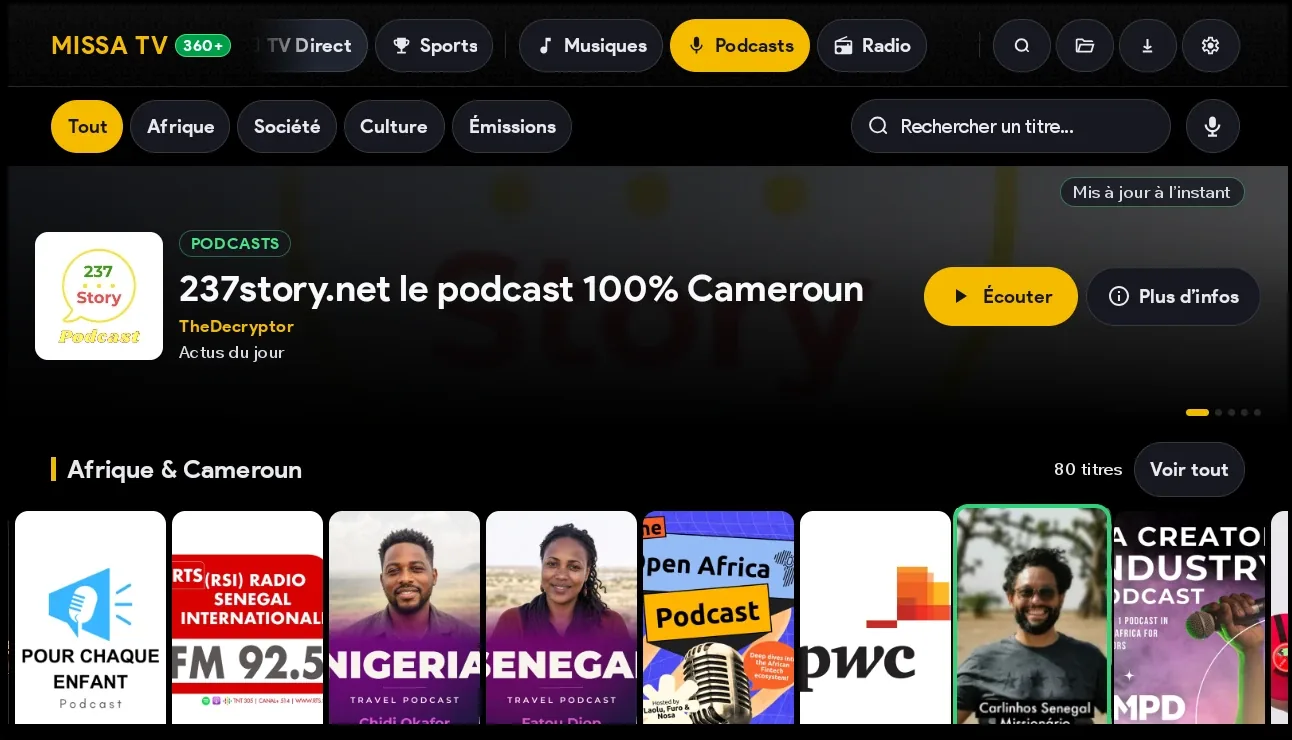
An always-visible green selector, aligned rows, and a Back button that returns you exactly where you were. No mouse needed.
Phone · Tablet · Android TV
Movies, series, live TV, sports, music, podcasts and radio from around the world, sorted into eleven clear universes designed for the remote control.
An always-visible green selector, aligned rows, and a Back button that returns you exactly where you were. No mouse needed.
Stations from Africa and around the world, plus free podcasts, with nothing to set up. Africa and Cameroon first.
No ads, no account to create. A data saver for mobile connections.
The app automatically sorts the content of your sources into clear universes.
The green selector always shows where you are: everything works with the remote.
missatv.pages.dev/enUpdates install over the previous version: your favourites and settings are kept.
Yes, completely. It is open source under the GPL-3.0 licence: its code is public on GitHub.
MISSA TV 360 PLUS does not host or provide any movie, series or channel. The video universes are filled by the extensions you choose to add, under your sole responsibility. Free radio and podcasts work right away, without any extension.
It is distributed directly from GitHub. The downloaded file is built automatically from the public code, and you can check its SHA-256 fingerprint on the release page.
Yes: Android shows it for any app installed outside the Play Store. Only download it from this page or from the official GitHub page.
Phones, tablets, Android TV, Android TV boxes and Fire TV running Android 6 or later.